
Navigation: To navigate through the Settings sections, follow these steps:Documentation Index
Fetch the complete documentation index at: https://docs.elitea.ai/llms.txt
Use this file to discover all available pages before exploring further.
- Click on the Settings icon in the main navigation sidebar or access it through your user menu.
-
Use the vertical navigation drawer on the left to select the desired section by clicking on its name.
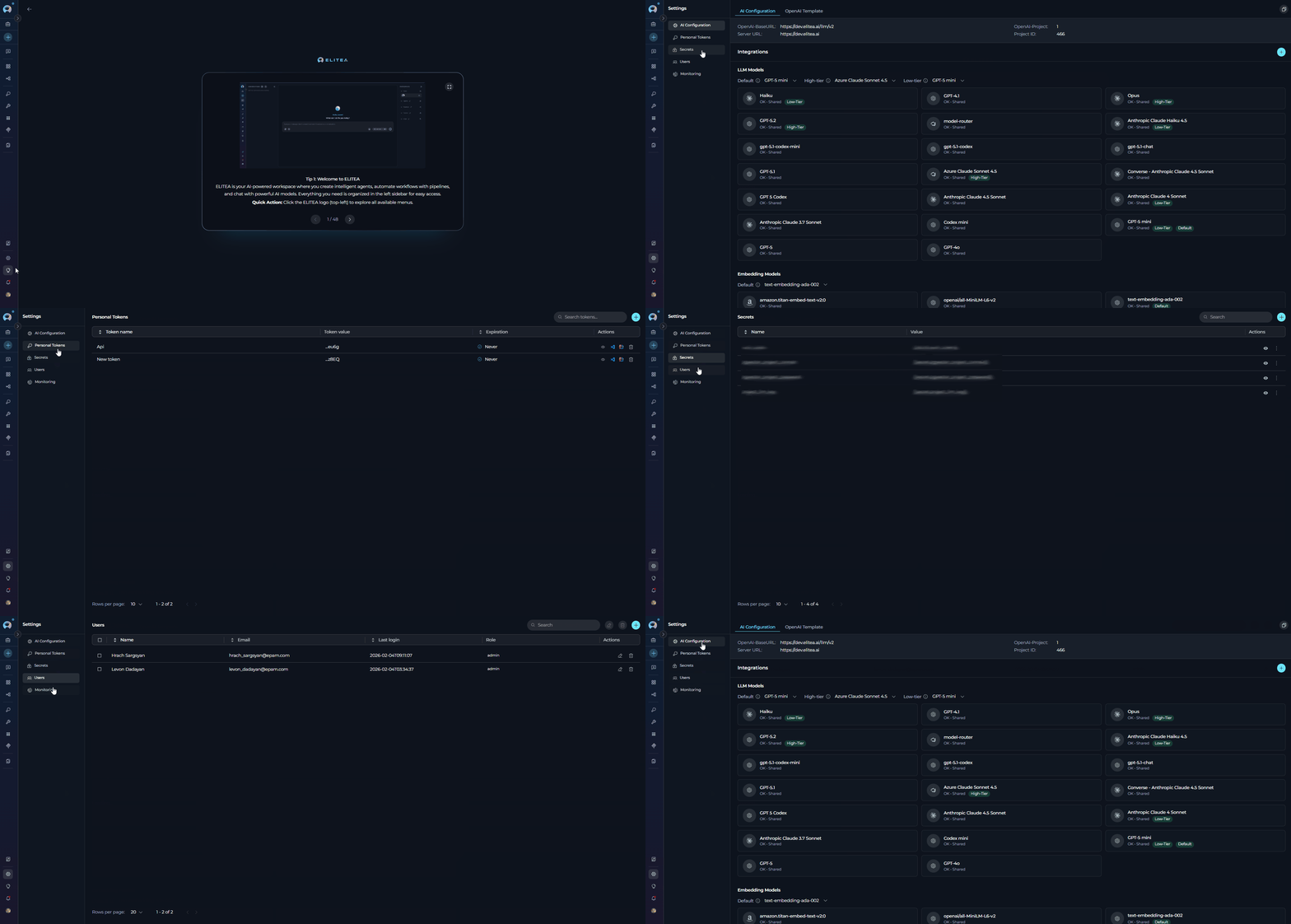
- AI Configuration: Manage AI model configurations, including LLM models, embedding models, vector storage, and image generation settings. Configure default models for different tiers and manage OpenAI templates.
- Personal Tokens: Create and manage personal access tokens for API access and IDE integrations.
- Secrets: Securely store and manage API keys, passwords, and other authentication credentials used across your projects.
- Users: Manage users within a project, including inviting new users, editing user roles, and viewing user activity. This section requires appropriate permissions.
- Analytics: Explore detailed, project-scoped analytics covering AI adoption, agent and tool usage, per-user activity breakdowns, and system health metrics.